
To modify the quantity of a product in the cart on fluid-hub, you can use the + and - buttons next to the quantity field, or directly type the desired number in the numeric field.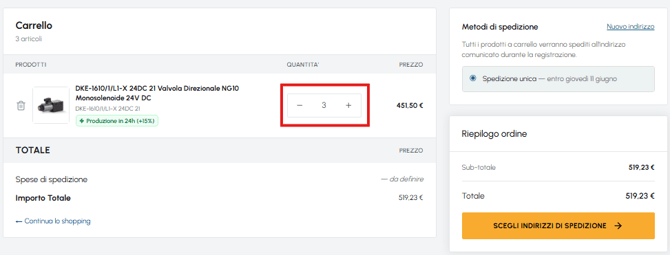
To completely remove a product, click on the bin icon on the left in the row corresponding to the product.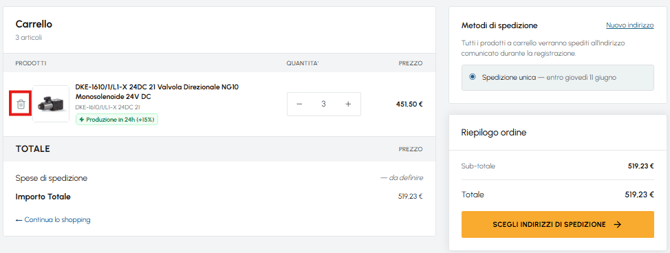
There is no maximum quantity that can be purchased. If the quantity entered exceeds stock availability, you will still be able to proceed with the order: the platform will offer you the choice between a single shipment and separate shipments. To find out more about this topic, read What happens if I order more quantities than those available in stock?