
The fluid-hub catalogue focuses on hydraulics and ranges from basic components to solutions for complex industrial plants. You can browse it in 3 ways: by product categories and subcategories, by brand from the dedicated page, or with the search bar to find a specific product using the SKU code or name.
Browsing by category: From the main catalogue page you can access the available macro-categories:
- Hydraulic pumps
- Hydraulic motors
- Hydraulic valves
- Electric motors
- Hydraulic filters
- Hydraulic accumulators
- Hydraulic accessories
- Hydraulic spare parts
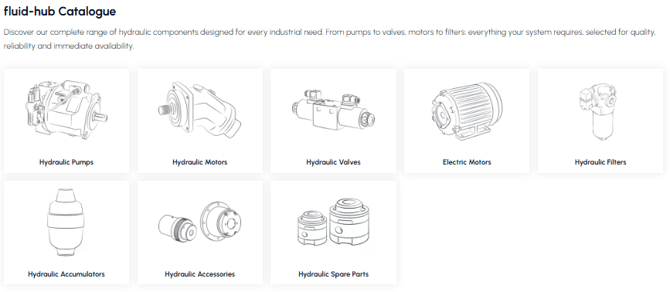
Browsing by brand: Alternatively, you can browse the catalogue by brand, accessing the brand page where you will find all the manufacturers available on fluid-hub. Each brand has a dedicated page with a selection of the available products.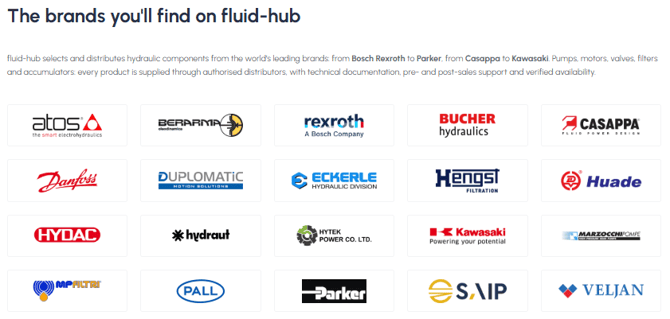
Quick search: To quickly find a specific product, you can use the search bar at the top of the site by entering the SKU code or the product name. For more information on the search bar, read How do I use the search bar? 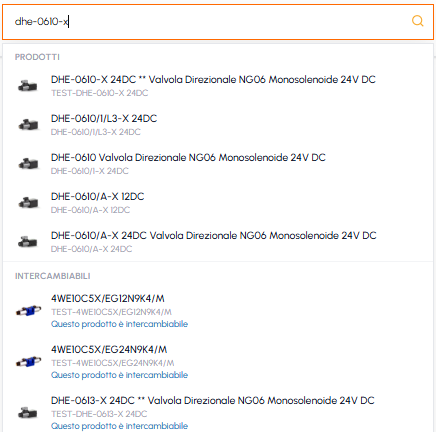
If you browse the catalogue without an active account, instead of the price you will see the "Log in or sign up" button: to understand why, read Why do I see the "Log in or register" button instead of the price?
To filter the results in the listing pages, read Can I filter products by brand or by technical characteristics? If you can't find the item you are looking for, read I can't find a specific product: what can I do?