
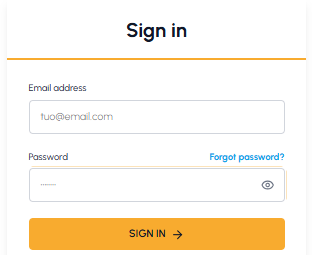
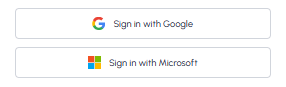
To access your fluid-hub account you can use email and password or your Google or Microsoft accounts. In both cases you must have first completed the registration and set the password via the link received by email.
Where to start the login: Click on the "Log in or register" button or on the user profile icon in the site header (top right, visible from any page).
 Available methods:
- With email and password: enter the email you used to register and the password you set via the link received by email.
- With Google or Microsoft: click on the respective button to log in quickly using your Google or Microsoft account. To find out more about this access method, read Is it possible to register via Google, Microsoft or Apple?
If you don't remember your password, read I forgot my password: how can I recover it? If you haven't received the activation email, read I haven't received the email to set my password: what can I do?
If you have not yet registered, find out how to do so.