
To view the complete details of a company order, go to the "Company orders" page and click on the "View order details" icon in the "Actions" column of the corresponding row.
Here you will find all the order information (products, amounts, address, tracking, payment method) and you can download the summary in PDF.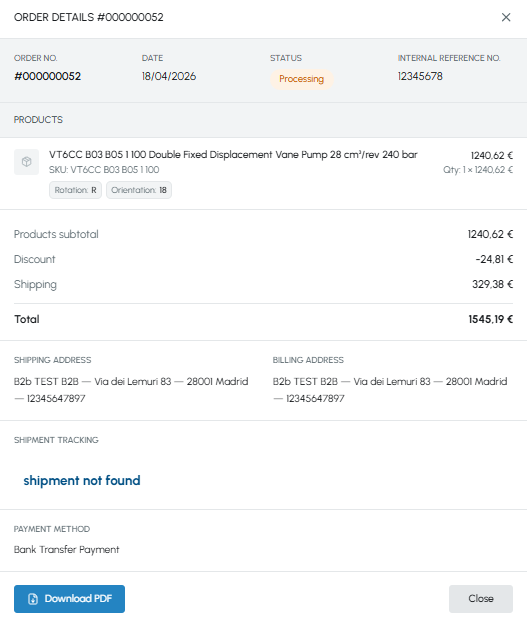
The information available in the details is the same as for personal orders. For the complete guide to the content of the order details, read How can I view the details of an order?