
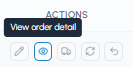
To view the complete details of an order, go to the "My orders" page and click on the "View order details" icon in the "Actions" column of the row corresponding to the order you are interested in.
In the order details you can consult:
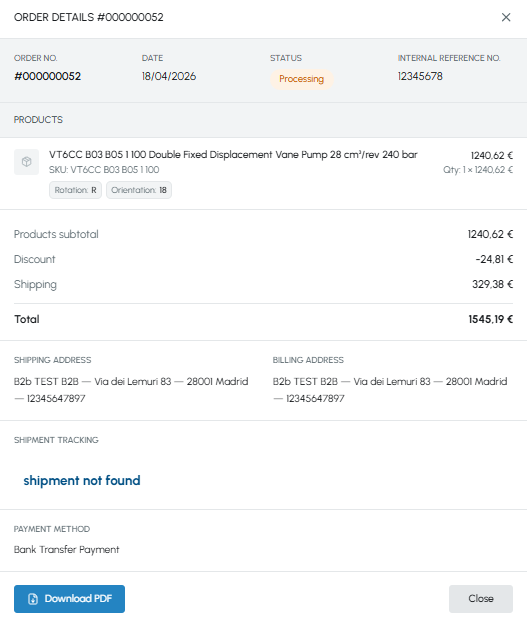
General information:
- Order number
- Order date
- Current status
- Internal reference number (if entered at checkout - to learn more read What is the internal reference number?)
- Name and SKU of each product
- Product configuration (for configurable products, e.g. vane pumps with rotation and orientation to be selected)
- Quantity
- Unit price and total per product
- Product subtotal
- Any applied discounts
- Shipping cost
- Total order amount
- Complete shipping address
- Complete billing address
- Shipment progress status. To monitor the progress of your order, read How can I know the status of my order?
- If the shipment has been sent, you will find tracking information
- The payment method used for the order (e.g. Bank transfer)
From the details screen you can also download the order summary in PDF, by clicking on the "Download PDF" button at the bottom of the page, to print it or share it with your colleagues. To find out more, read Can I download an order summary?
If you need to modify an order you have already placed, read Can I modify an order after I have placed it? If, on the other hand, you need to make a return, read How can I request a return on fluid-hub?