
Yes, you can download the summary of an order in PDF directly from the platform. To do this:
- Go to the "My orders" section
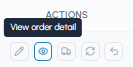
- Click on the "View order details" icon in the "Actions" column
- On the details screen, click on the "Download PDF" button at the bottom of the page
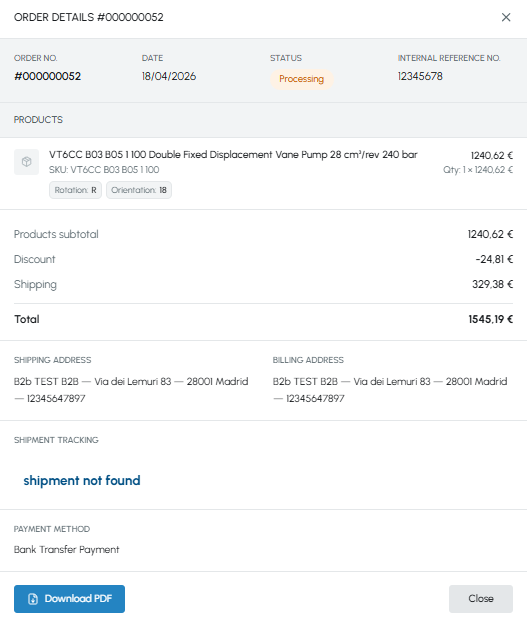
- Order number and date
- Order status and internal reference number (if entered at checkout). To find out more read What is the internal reference number?
- List of ordered products with SKU, configuration (for configurable products), quantity, unit price and total per line
- Subtotal, any applied discounts, shipping cost and total amount
- Shipping and billing addresses
- Payment method
The PDF can be useful for printing the summary or sharing it with your colleagues.
In addition to the downloadable PDF, you will automatically receive an order confirmation by email immediately after checkout, at the email address associated with your account. If you can't find it, check your spam folder.
Note: The PDF order summary is an internal reference document and does not replace the tax invoice. To find out when and how you receive the invoice, read When is the invoice issued?
To discover all the information that can be consulted online on a single order, read How can I view the details of an order?