
The "Add to cart" button is not available in two cases: if you have not logged in to your fluid-hub account, or if the product requires preliminary configuration (such as hydraulic pumps).
The two scenarios in detail:
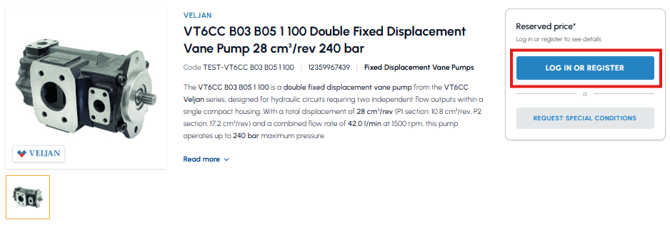
- User not logged in: if you have not logged in, instead of the button you will see "Log in or register". Carry out the login to proceed with the purchase: read How can I access my fluid-hub account? If, on the other hand, you are not yet registered, read How can I register on fluid-hub?
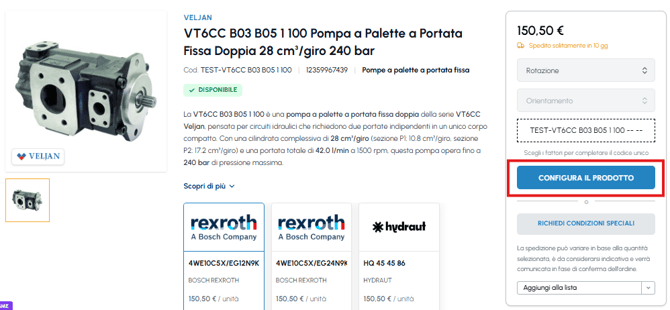
- Product to be configured: some products, such as vane pumps, require configuration before they can be added to the cart. In this case you will see the "Configure" button: click on it to open the product page, complete the required configuration (direction, orientation, etc.) and then you will be able to add it to the cart. To find out more, read What does it mean that a product needs to be configured?
If you have completed the login but the button remains disabled for a configurable product, read What happens if I don't complete the configuration? To manage the products added to the cart, read How do I modify the quantity of a product in the cart?