
To request a return, follow these steps:
- Access the "My orders" section in your account
- Locate the order containing the products you want to return
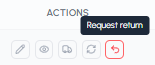
- Click on the "Request return" icon in the "Actions" column
- Fill in the return request form
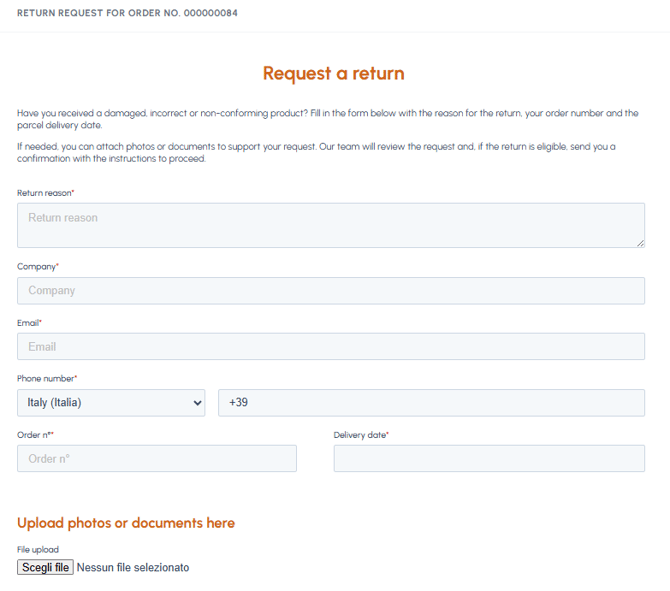
- Submit the request
After submission, you will receive an email confirmation that your request has been taken in charge. The fluid-hub team will assess whether the return is eligible and will contact you to inform you of the outcome and any instructions for returning the goods.
Consult the section of our helpdesk dedicated to returns: here you will find the complete procedure for making a return, the details to provide, the times and what happens after submitting the request.