
You can only modify an order if it has not yet been taken in charge by our team for processing.
How to modify an order:
- Go to the "My orders" section
- Locate the order you want to modify
- If the order is still editable, you will see the "Edit order" icon active in the "Actions" column
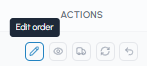
- Click on the icon to access the modification request form
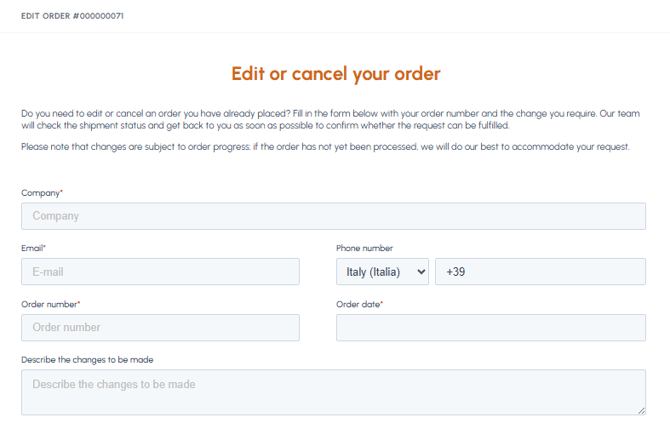
- Fill in the form indicating the necessary changes
- Submit the form and wait for the response from the fluid-hub team: the modification is not automatic, it is confirmed by email
What you can modify:
- Quantity of the products ordered
- Products in the order (add/remove)
- Shipping address
- Notes for the courier
Important: Once the order has been taken in charge and has entered the processing phase, it will no longer be possible to modify it. In this case, you can consider a return: read How can I request a return on fluid-hub?
To check if your order is still editable, read How can I know the status of my order? If, on the other hand, you want to cancel the order completely, read Can I cancel an order?